

1. Log in to cPanel:
Open your web browser and visit your cPanel login page. Eg. (yourdomain.com/cpanel).
Enter your username and password to access your hosting dashboard.
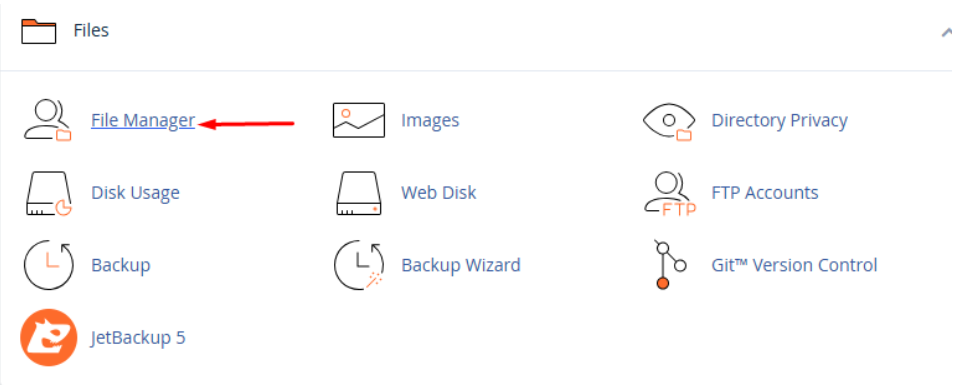
2. Navigate to the Files section and click on File Manager:
In the cPanel dashboard, scroll down to the Files section.
In files section click on File Manger.
2. Locate and select the files or folders you want to copy or move:
You may also want to show the hidden files in the selected directory.
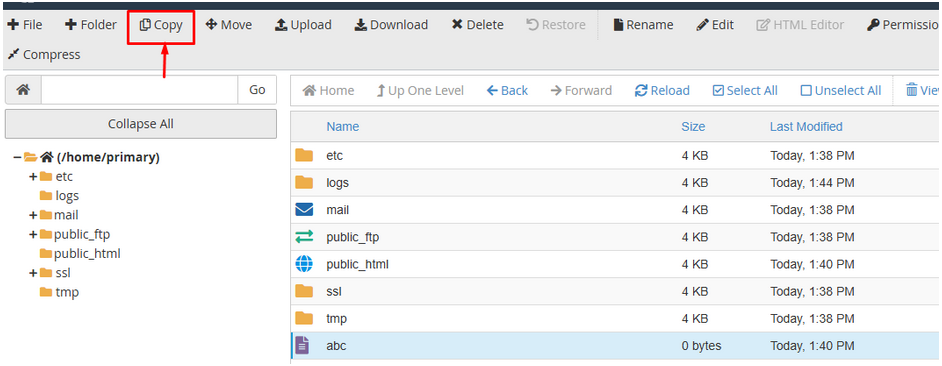
With the appropriate files and folders selected, click Copy or Move File from the top menu.
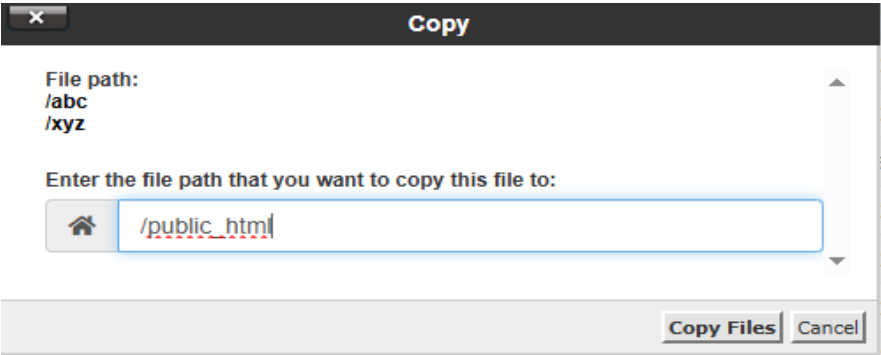
Click on copy files.
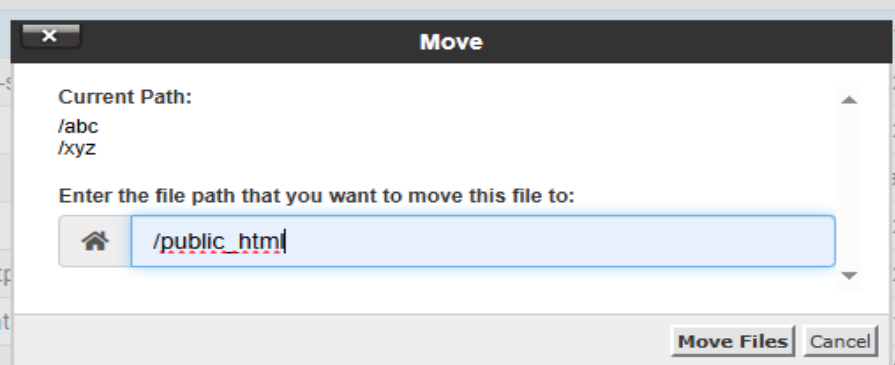
Click on move files.
Type in the destination path of your files. You can retain the /public_html and type in / and your folder name if you wish to copy over your file to a subdirectory inside the public_html.
Click Copy File(s) to place the file to its destination.