
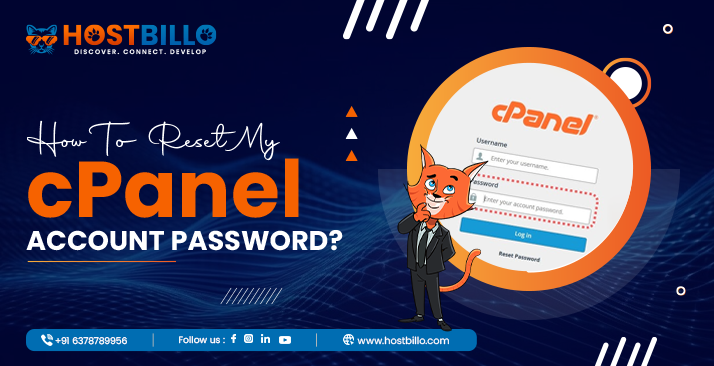
1. Go to your cPanel login URL: Typically: https://yourdomain.com/cpanel or https://yourserverip:2083. 2. Navigate to “Password & Security”: Once logged in, scroll down or use the search bar to […]
How to Delete Email Accounts in cPanel?
1. Log in to cPanel Go to your cPanel login page (typically something like yourdomain.com/cpanel). Enter your username and password to log in. 2. Navigate to the Email […]

How to Change cPanel Language?
1. Log in to cPanel: Go to your cPanel login page (typically something like yourdomain.com/cpanel). Enter your username and password to log in. 2. Find the Language Settings: […]

How To Create An Email Account In cPanel?
1. Log in to cPanel: Open your web browser and visit your cPanel login page. Eg. (yourdomain.com/cpanel). Enter your username and password to access your hosting dashboard. 2. […]
How to create a subdomain?
1. Log in to cPanel 2. Navigate to the Domains Section 3. Click “Create A New Domain” 4. Enter the Subdomain Name 5. Set the Document Root 6. […]