

1. Log in to cPanel
- Open your web browser and visit your cPanel login page. Eg. (yourdomain.com/cpanel)
- Enter your username and password to access your hosting dashboard.
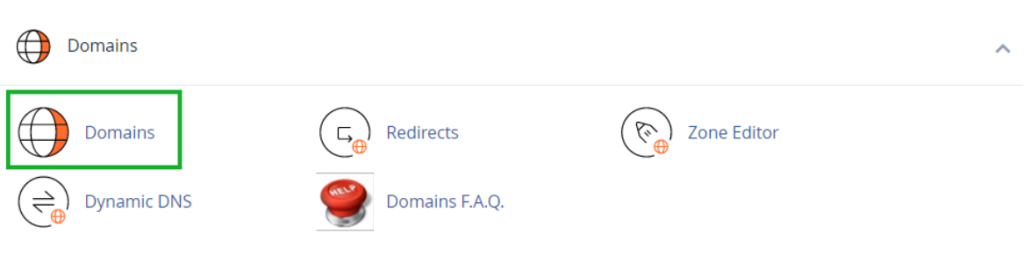
2. Navigate to the Domains Section
- In the cPanel dashboard, locate the Domains section.
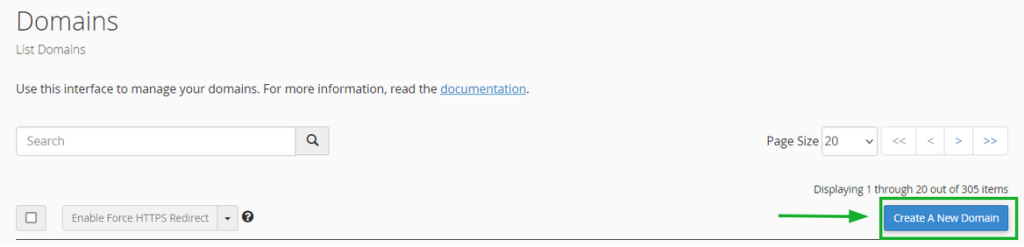
3. Click “Create A New Domain”
- In the Domains section of cPanel, click the Create A New Domain button.
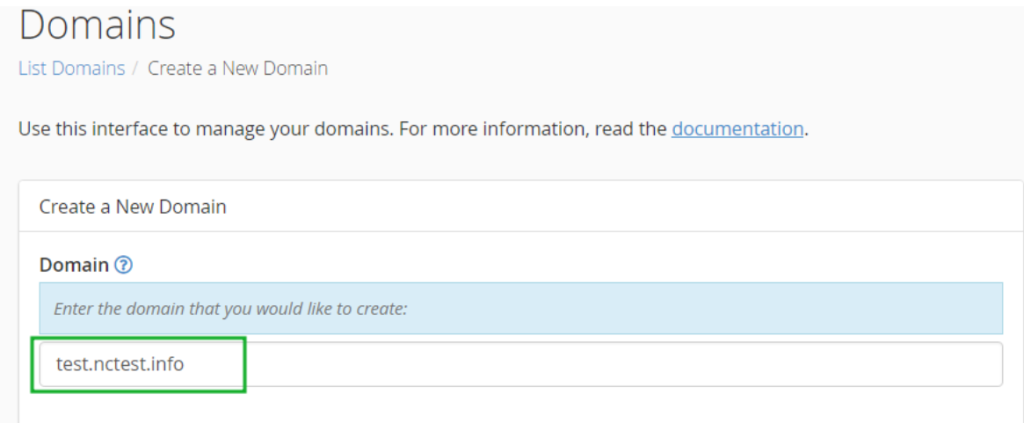
4. Enter the Subdomain Name
- In the Domain text box, enter the subdomain you want to create eg. (subdomain.yourdomain.com)
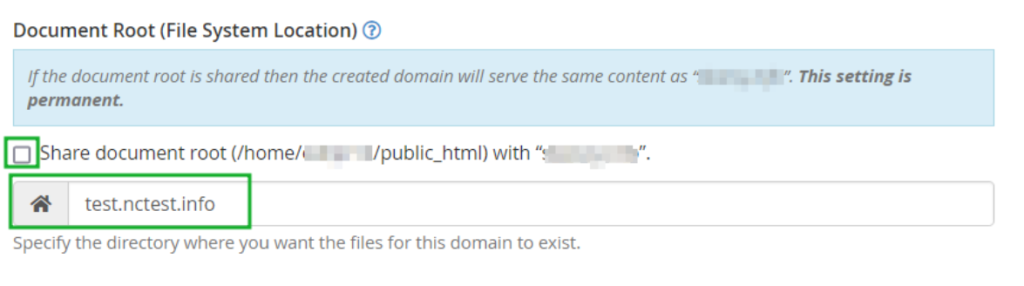
5. Set the Document Root
- Uncheck the option “Share document root (/home/username/public_html) with domain.tld” to specify a custom directory.
- Enter the directory where the subdomain’s files will be stored e.g (/home/username/public_html/subdomain)
6. Click “Submit”
- Press the Submit button to create the subdomain.
Once done, your subdomain will be ready to use! 🚀