
1. Log in to cPanel: Access your domain’s cPanel, usually at yourdomain.com/cpanel. 2. Find “Select PHP Version”: Scroll down to the Software section. Click on “Select PHP Version” […]
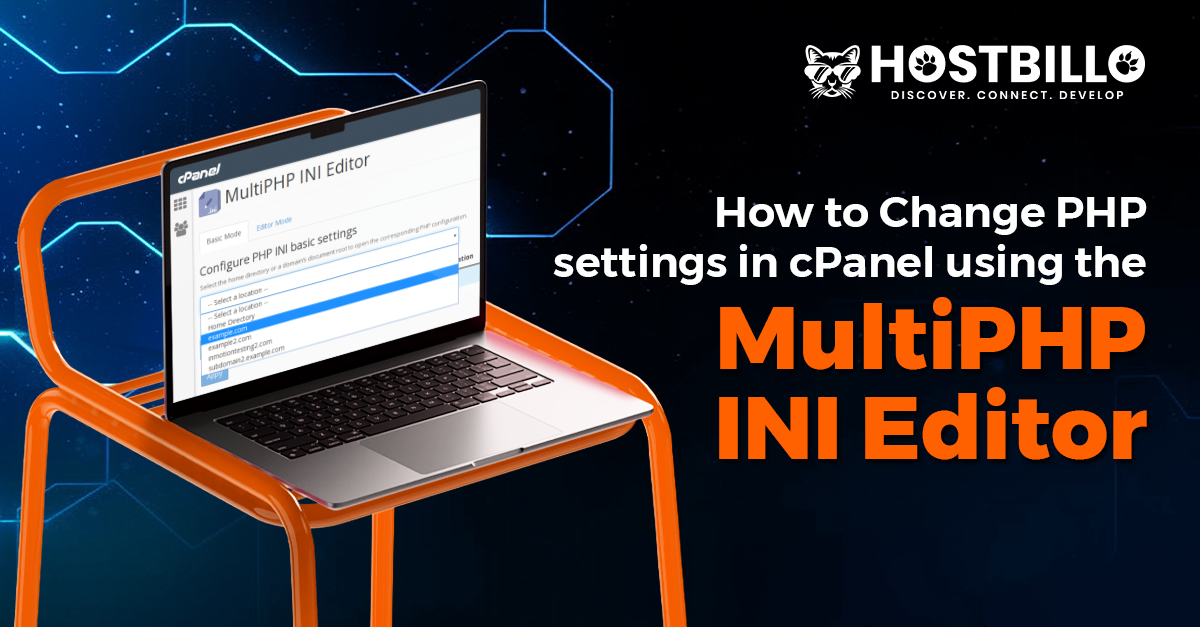
How to Change PHP Settings in cPanel Using MultiPHP INI Editor in cPanel?
1. Log into your cPanel Go to your cPanel login page (e.g., yourdomain.com/cpanel) and enter your credentials to log in. 2. Go to MultiPHP INI Editor Under the […]