1. Log into your cPanel
Go to your cPanel login page (e.g., yourdomain.com/cpanel) and enter your credentials to log in.
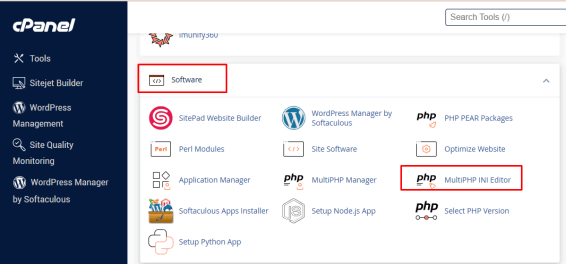
2. Go to MultiPHP INI Editor
Under the “Software” section, click on “MultiPHP INI Editor.
3. Select a Location (Domain)
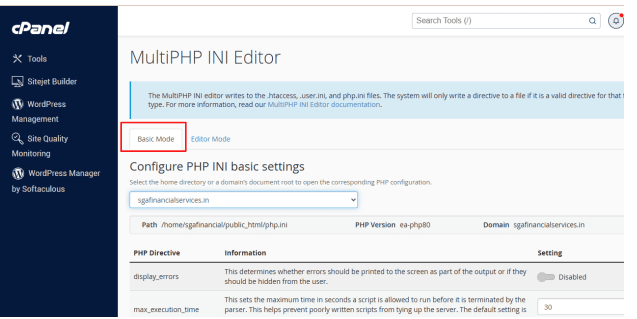
Choose the domain you want to modify settings for from the dropdown list.
4. Edit Basic Settings
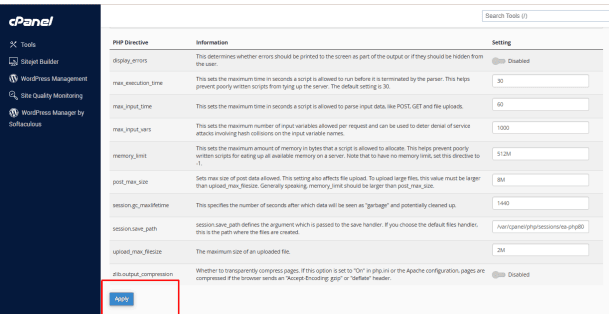
In “Basic Mode,” you can easily adjust common PHP directives such as:
- memory_limit
- upload_max_filesize
- post_max_size
- max_execution_time
- display_errors
Just change the values as needed.
5. Save Your Changes
Click “Apply” at the bottom to save and apply the new settings.