1. Login to cPanel.
Use your username and password provided by your hosting company.
yourdomainname.com/cpanel
or yourdomain.com:2083
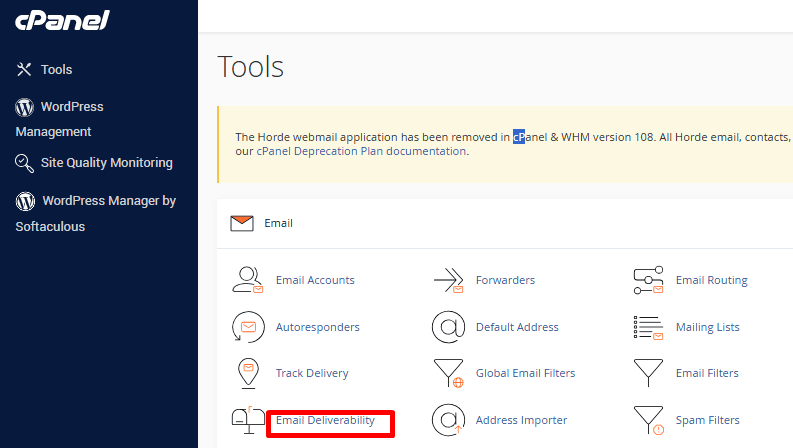
2. Go to Email section and click on Email Deliverability.
(older versions may say Authentication).
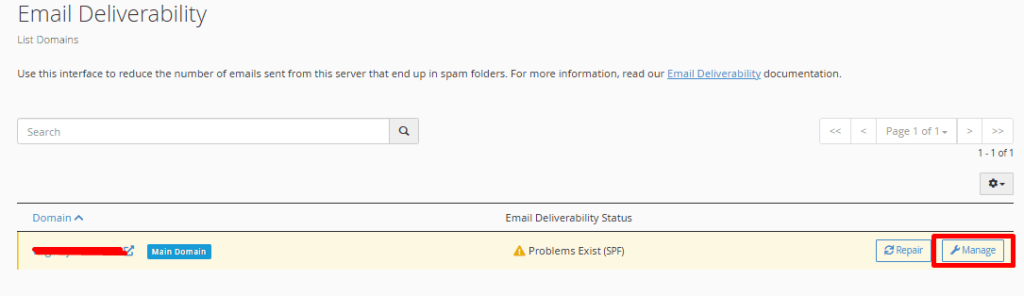
3. Select your domain name and click on manage.
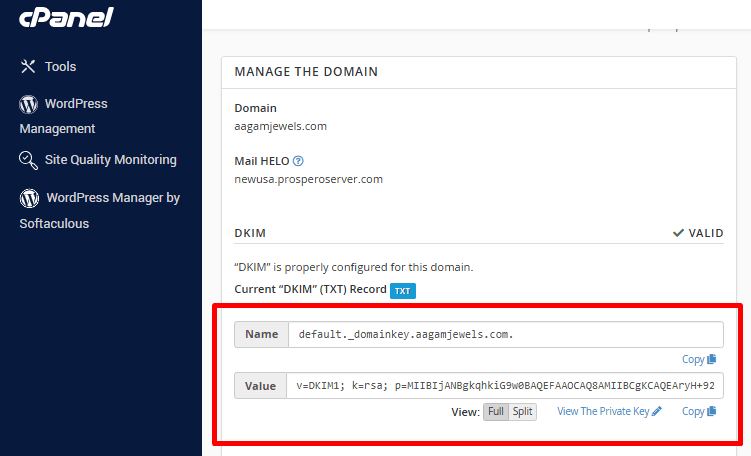
4. This section will show the DKIM record for your domain.
From here can copy the DKIM record and then paste to the DNS zone to update the DKIM or you can set the same page.