
Skip to content
KB Hostbillo

KB Hostbillo

  • Home
  • Control Panels
    • cPanel
      • Account Management
      • Files & Folders
      • Database
      • PHP & Config
      • WordPress
      • Security
    • WHM
      • Account Operations
      • Ownership & Access
      • Server Settings
      • Security
      • Backup & Restore
  • Email & DNS
    • Email
      • Account Management
      • Disk Usage
      • Authentication
    • DNS
      • DNS Records
      • Nameservers
      • Redirection
  • Security
    • Permissions
    • IP Blocking
    • Firewall
    • Authentication
    • Shell Access
    • ModSecurity
  • Backup & Migration
    • File Backup
    • Account Backup
    • File Handling
    • WordPress
How to change IP in WHM?
Server Settings

How to change IP in WHM?

Posted on: April 14, 2025May 22, 2025

If you want to change the IP address for a specific cPanel account (for example, to assign it to a dedicated IP address) 1. Log in to WHM: […]

How to change primary email account in whm?
Server Settings

How to change primary email account in whm?

Posted on: April 14, 2025May 22, 2025

1. Log in to WHM: Go to yourdomain.com:2087 or yourserverip:2087 to access WHM. Log in using your root or reseller credentials. 2. Go to the “List Accounts” Section: […]
How to change primary Domain Name in WHM?
Server Settings

How to change primary Domain Name in WHM?

Posted on: April 12, 2025May 22, 2025

To change the primary domain of an account from  WHM. 1. Log in to WHM: Access WHM by going to yourdomain.com:2087 or yourserverip:2087 and log in using your root […]
How to I enable AutoSSL for all accounts in WHM?
Account Backup / Backup & Restore

How to I enable AutoSSL for all accounts in WHM?

Posted on: April 11, 2025May 22, 2025

1.Log in to WHM: Open your browser and go to https://your-server-ip:2087 or https://yourdomain.com:2087. Enter your root credentials to log in to WHM. 2.Navigate to AutoSSL Settings: In the […]
How To Block or Unblock an IP Address in CSF in whm?
IP Blocking / Security

How To Block or Unblock an IP Address in CSF in whm?

Posted on: April 11, 2025May 22, 2025

Block an IP Address in CSF via WHM. 1. Log in to WHM: Enter your WHM root credentials and log in. 2. Go to “ConfigServer Security & Firewall” […]
How to modify a cPanel account’s bandwidth or disk space in whm?
Account Operations

How to modify a cPanel account’s bandwidth or disk space in whm?

Posted on: April 11, 2025May 22, 2025

1. Log in to WHM: Enter your WHM credentials and click Log in. 2. Access the Account List: In the WHM dashboard, search for and click on List […]
How do I suspend or unsuspend a cPanel account in whm ?
Account Operations

How do I suspend or unsuspend a cPanel account in whm ?

Posted on: April 11, 2025May 22, 2025

suspend a cPanel Account  1. Log in to WHM Enter your WHM root or reseller credentials and click Log in. 2. Go to Manage Account Suspension In the […]
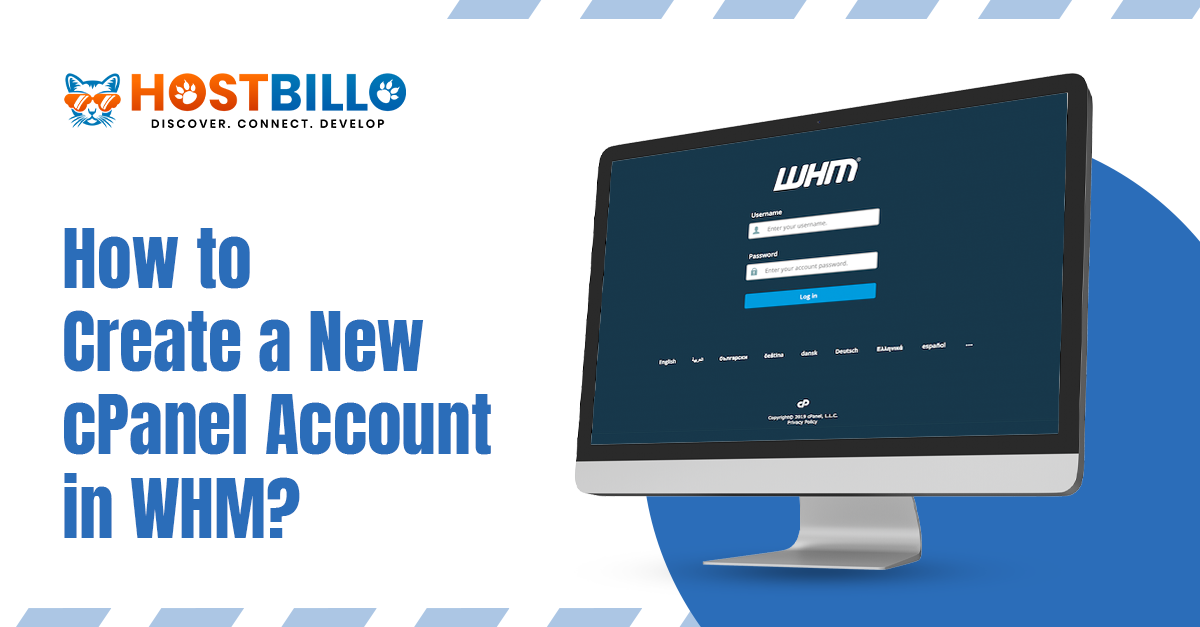
How to create a new cPanel account in WHM?
Account Operations

How to create a new cPanel account in WHM?

Posted on: April 11, 2025May 22, 2025

1. Log in to cPanel: Go to your cPanel login page (typically something like yourdomain.com/cpanel). Enter your username and password to log in. 2. Go to Create a […]
How to Manage Email Disk Usage in cPanel?
Disk Usage

How to Manage Email Disk Usage in cPanel?

Posted on: April 10, 2025May 22, 2025

1. Log in to cPanel: Go to your cPanel login page (typically something like yourdomain.com/cpanel). Enter your username and password to log in. 2. Access Email Disk Usage: […]
How to create a file or folder in the File Manager in cPanel?
cPanel/WHM / Files & Folders

How to create a file or folder in the File Manager in cPanel?

Posted on: April 10, 2025May 22, 2025

1. Log in to cPanel: Go to your cPanel login page (typically something like yourdomain.com/cpanel). Enter your username and password to log in. 2. Open File Manager: In […]

Posts pagination

Previous page Page 1 Page 2 Page 3 Page 4 Page 5 Next page

Recent Posts

  • How to modify cPanel account password in WHM?
  • How to allow any custom port in windows firewall ? 
  • How to Block or Unblock a specific IP Address from cPanel?  
  • How to enable modsecurity in cPanel?
  • How to create a database in cPanel?

Recent Comments

No comments to show.
Theme Quiet Blog Powered by Kantipur Themes
hostbillo-logo

Hostbillo is well-renowned as the fastest-evolving and most influential web hosting company. Our former company Wisesolution started in 2010 has been renamed and relaunched as hostbillo.com. Hostbillo provides hyper-scale and high-grade hosting facilities all over the world.

Company

About us Data Center Hosting Security Backup and Recovery Contact Us Blog Affiliate Program Looking glass

Our Products

Domain Shared Server Reseller Server VPS Hosting Dedicated Server Managed Dedicated Server

Quick Support

Login Member New Registration Knowledgebase Submit a Support Ticket How To Pay

Need Help?

6378 789 956 IVR

Way to Contact With Us

location-icon

Hostbillo Hosting Solution

Head Office: 412, Angel Square, Near Royal Square,
Utran, Surat-394105

Branch Office: UG-9, Jaipur Electronic Market,
Ridhi Sidhi, Gopalpura Bypass, Jaipur. 302018

mail-icon

Sales Inquiries: [email protected]

phone-icon

Call Us (Sales): +91-6378789956

phone-icon

Call Us (Support): +91-8003399228

payment-icon

Copyright 2022 © Hostbillo Hosting Solution. A division of Serverwala Cloud Data Center Pvt. Ltd.

Meaning of unlimited Terms of Service Privacy Policy Zero Tolerance Policy