
Skip to content
KB Hostbillo

KB Hostbillo

  • Home
  • Control Panels
    • cPanel
      • Account Management
      • Files & Folders
      • Database
      • PHP & Config
      • WordPress
      • Security
    • WHM
      • Account Operations
      • Ownership & Access
      • Server Settings
      • Security
      • Backup & Restore
  • Email & DNS
    • Email
      • Account Management
      • Disk Usage
      • Authentication
    • DNS
      • DNS Records
      • Nameservers
      • Redirection
  • Security
    • Permissions
    • IP Blocking
    • Firewall
    • Authentication
    • Shell Access
    • ModSecurity
  • Backup & Migration
    • File Backup
    • Account Backup
    • File Handling
    • WordPress
How to check default NS record in WHM?  
Nameservers

How to check default NS record in WHM?  

Posted on: April 15, 2025May 22, 2025

To find out what the default nameservers are for your server. 1. Log in to WHM: Go to yourdomain.com:2087 or yourserverip:2087 to access the WHM login page. Log […]
How to create the FTP account in cPanel ?
cPanel/WHM

How to create the FTP account in cPanel ?

Posted on: April 15, 2025April 29, 2025

1. Log in to your cPanel: Use your username and password provided by your hosting com yourdomainname.com/cpanel or yourdomain.com:2083 2. Navigate to FTP Accounts: Click on “FTP Accounts”.. […]
How to Backup Mysql Database Using PHPMyAdmin in cpanel?
Database

How to Backup Mysql Database Using PHPMyAdmin in cpanel?

Posted on: April 15, 2025May 22, 2025

1. Go to your cPanel login URL: Typically: https://yourdomain.com/cpanel or https://yourserverip:2083. 2. Search phpMyAdmin in database: The PhpMyAdmin is a free web application that provides a convenient GUI […]
How to enable DKIM from cPanel?  
Authentication / Authentication

How to enable DKIM from cPanel?  

Posted on: April 15, 2025May 22, 2025

1. Login to the cPanel: Go to yourdomain.com/cpanel. Enter your username and password. 2. Go the email section: Click on the “Email Deliverability” option. 3. Click on the […]
How to change the php version in cpanel?
PHP & Config

How to change the php version in cpanel?

Posted on: April 15, 2025May 22, 2025

1. Log in to cPanel: Access your domain’s cPanel, usually at yourdomain.com/cpanel. 2. Find “Select PHP Version”: Scroll down to the Software section. Click on “Select PHP Version” […]
How to reset my cPanel Account Password?
Account Management

How to reset my cPanel Account Password?

Posted on: April 14, 2025May 21, 2025

1. Go to your cPanel login URL: Typically: https://yourdomain.com/cpanel or https://yourserverip:2083. 2. Navigate to “Password & Security”: Once logged in, scroll down or use the search bar to […]
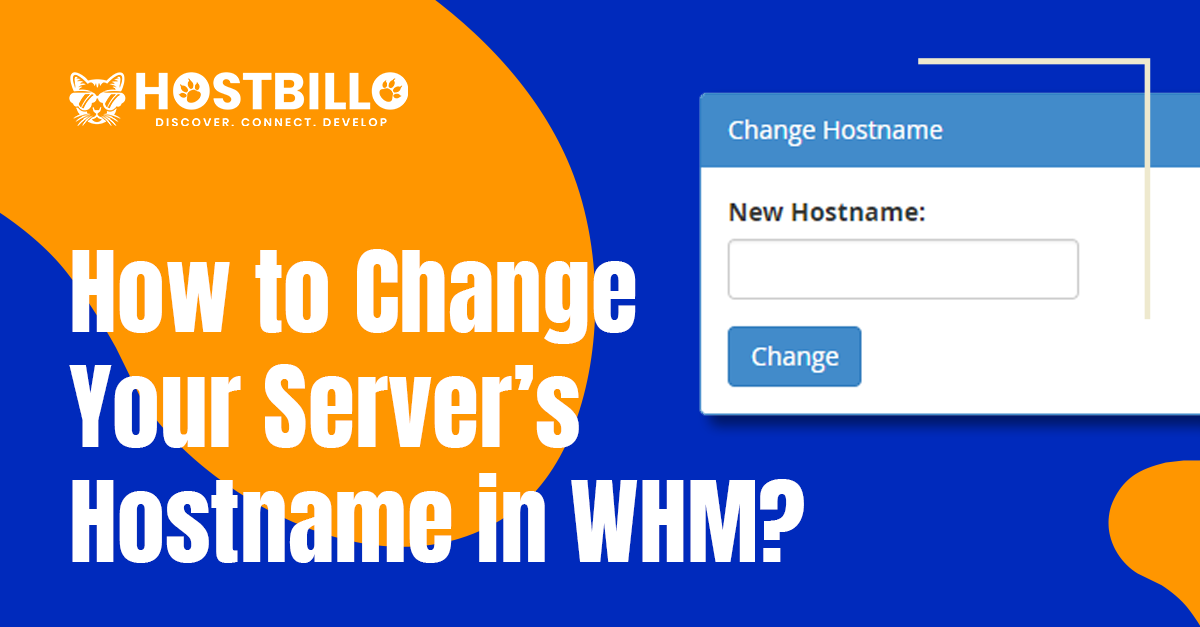
How to Change Your Server’s Hostname in WHM?
Server Settings

How to Change Your Server’s Hostname in WHM?

Posted on: April 14, 2025May 22, 2025

1. Log into your WHM as the root user. 2. Type ‘host‘ into the WHM search field. 3. Click on the option Change Hostname under the section Networking […]
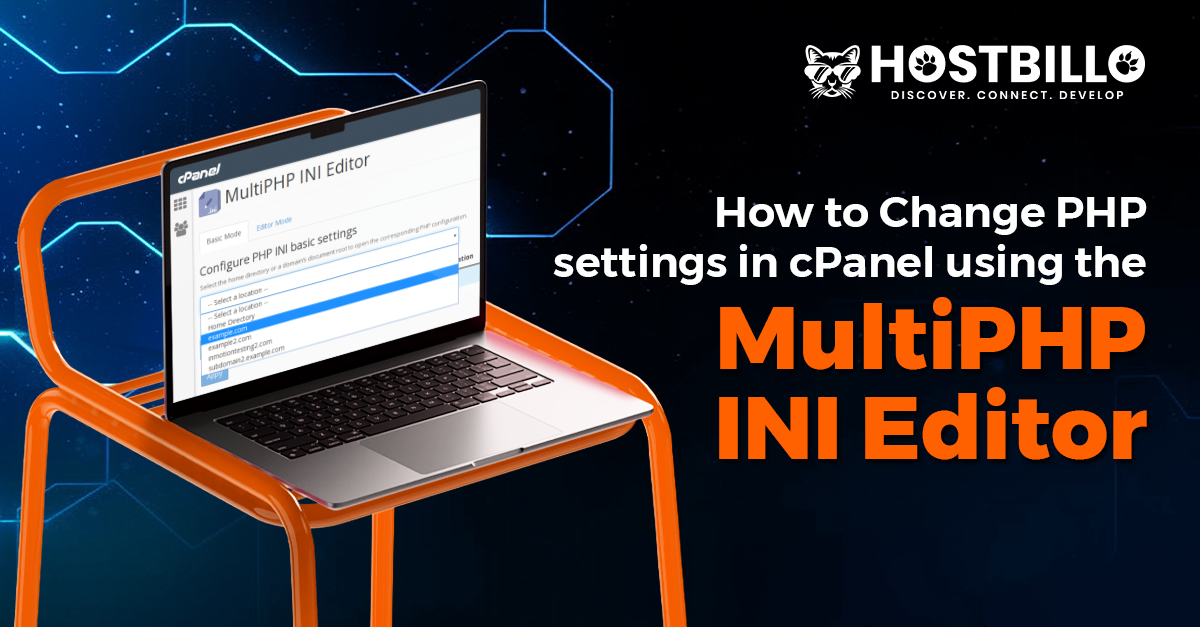
How to Change PHP Settings in cPanel Using MultiPHP INI Editor in cPanel?
PHP & Config

How to Change PHP Settings in cPanel Using MultiPHP INI Editor in cPanel?

Posted on: April 14, 2025May 22, 2025

1. Log into your cPanel Go to your cPanel login page (e.g., yourdomain.com/cpanel) and enter your credentials to log in. 2. Go to MultiPHP INI Editor Under the […]
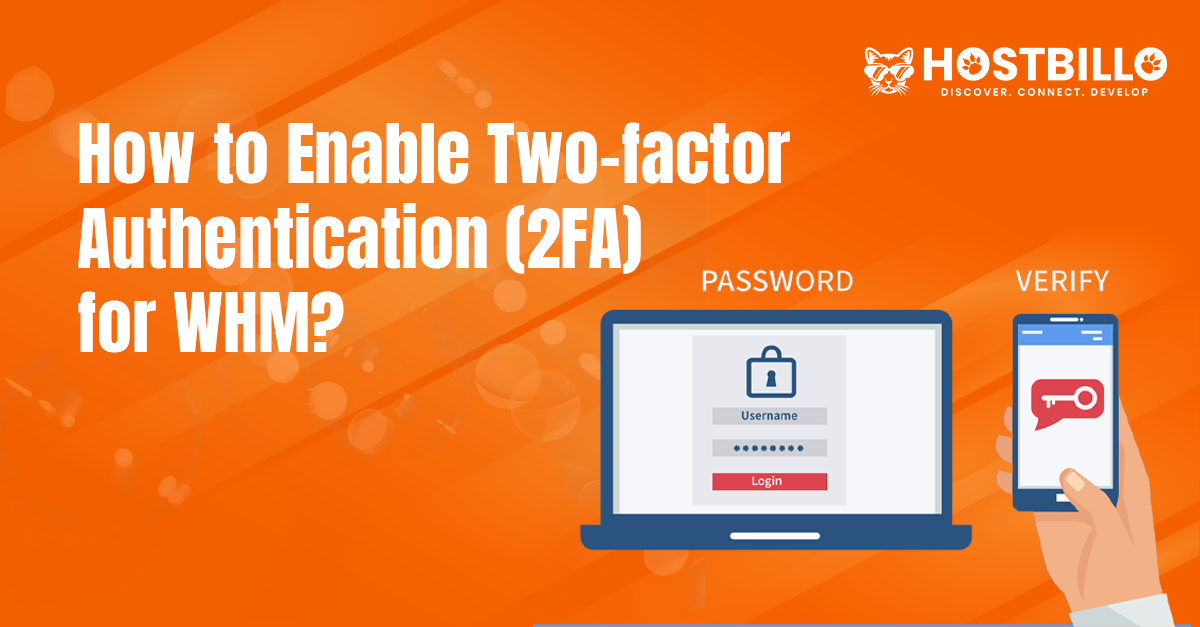
How to enable two-factor authentication 2FA for WHM?
Authentication / Security

How to enable two-factor authentication 2FA for WHM?

Posted on: April 14, 2025May 22, 2025

1. Log in to WHM: Enter your root username & password and log in. 2. Open the Two-Factor Authentication Module: In the WHM search bar, type “Two-Factor Authentication”. […]
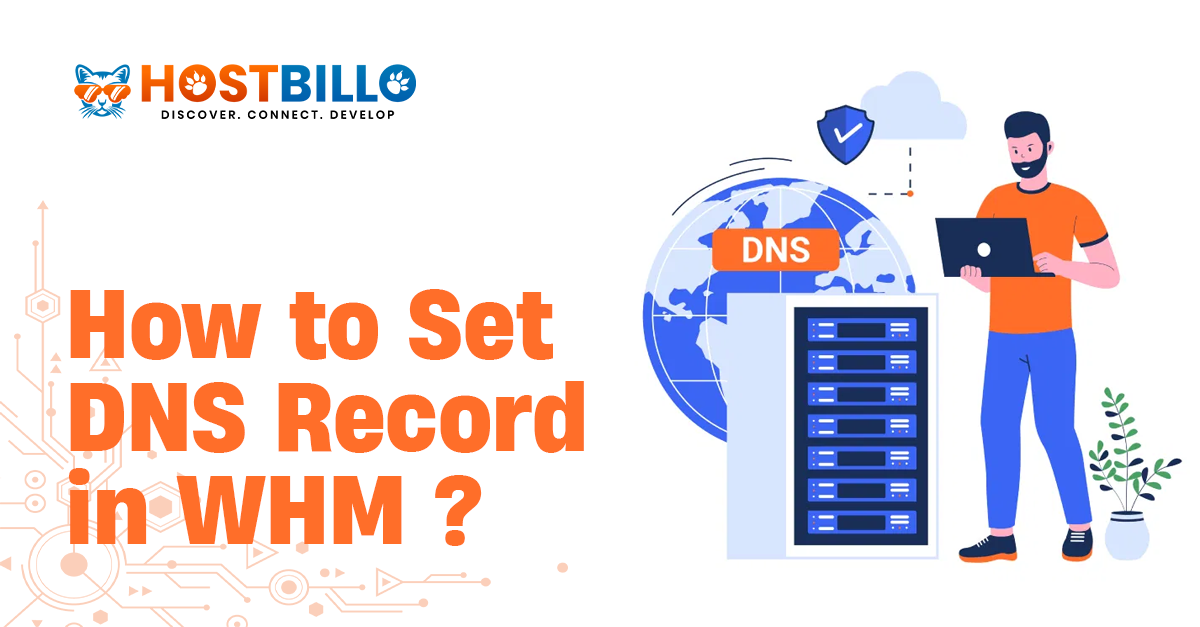
How to set DNS record in WHM?
DNS Records

How to set DNS record in WHM?

Posted on: April 14, 2025May 22, 2025

To set or manage DNS records for a domain in WHM (Web Host Manager), you will use the DNS Zone Manager or Edit DNS Zone feature. This allows […]

Posts pagination

Previous page Page 1 Page 2 Page 3 … Page 5 Next page

Recent Posts

  • How to modify cPanel account password in WHM?
  • How to allow any custom port in windows firewall ? 
  • How to Block or Unblock a specific IP Address from cPanel?  
  • How to enable modsecurity in cPanel?
  • How to create a database in cPanel?

Recent Comments

No comments to show.
Theme Quiet Blog Powered by Kantipur Themes
hostbillo-logo

Hostbillo is well-renowned as the fastest-evolving and most influential web hosting company. Our former company Wisesolution started in 2010 has been renamed and relaunched as hostbillo.com. Hostbillo provides hyper-scale and high-grade hosting facilities all over the world.

Company

About us Data Center Hosting Security Backup and Recovery Contact Us Blog Affiliate Program Looking glass

Our Products

Domain Shared Server Reseller Server VPS Hosting Dedicated Server Managed Dedicated Server

Quick Support

Login Member New Registration Knowledgebase Submit a Support Ticket How To Pay

Need Help?

6378 789 956 IVR

Way to Contact With Us

location-icon

Hostbillo Hosting Solution

Head Office: 412, Angel Square, Near Royal Square,
Utran, Surat-394105

Branch Office: UG-9, Jaipur Electronic Market,
Ridhi Sidhi, Gopalpura Bypass, Jaipur. 302018

mail-icon

Sales Inquiries: [email protected]

phone-icon

Call Us (Sales): +91-6378789956

phone-icon

Call Us (Support): +91-8003399228

payment-icon

Copyright 2022 © Hostbillo Hosting Solution. A division of Serverwala Cloud Data Center Pvt. Ltd.

Meaning of unlimited Terms of Service Privacy Policy Zero Tolerance Policy