

If you want to change the IP address for a specific cPanel account (for example, to assign it to a dedicated IP address) 1. Log in to WHM: […]

How to change primary email account in whm?
1. Log in to WHM: Go to yourdomain.com:2087 or yourserverip:2087 to access WHM. Log in using your root or reseller credentials. 2. Go to the “List Accounts” Section: […]

How to change primary Domain Name in WHM?
To change the primary domain of an account from WHM. 1. Log in to WHM: Access WHM by going to yourdomain.com:2087 or yourserverip:2087 and log in using your root […]
How to I enable AutoSSL for all accounts in WHM?
1.Log in to WHM: Open your browser and go to https://your-server-ip:2087 or https://yourdomain.com:2087. Enter your root credentials to log in to WHM. 2.Navigate to AutoSSL Settings: In the […]

How To Block or Unblock an IP Address in CSF in whm?
Block an IP Address in CSF via WHM. 1. Log in to WHM: Enter your WHM root credentials and log in. 2. Go to “ConfigServer Security & Firewall” […]
How to modify a cPanel account’s bandwidth or disk space in whm?
1. Log in to WHM: Enter your WHM credentials and click Log in. 2. Access the Account List: In the WHM dashboard, search for and click on List […]
How do I suspend or unsuspend a cPanel account in whm ?
suspend a cPanel Account 1. Log in to WHM Enter your WHM root or reseller credentials and click Log in. 2. Go to Manage Account Suspension In the […]
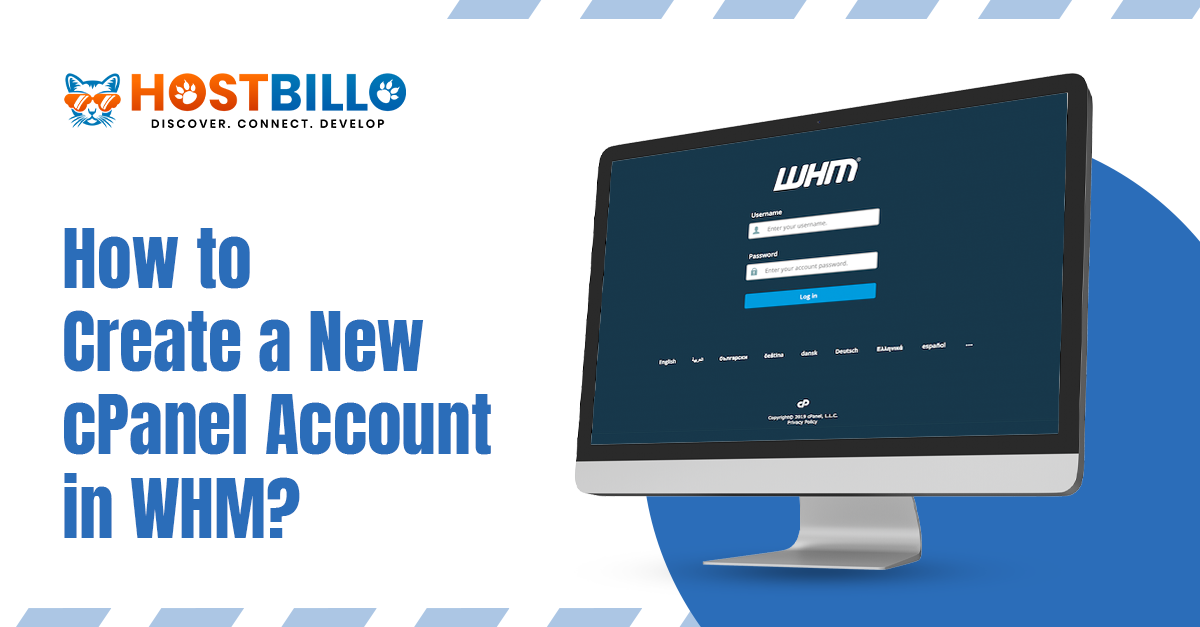
How to create a new cPanel account in WHM?
1. Log in to cPanel: Go to your cPanel login page (typically something like yourdomain.com/cpanel). Enter your username and password to log in. 2. Go to Create a […]

How to Manage Email Disk Usage in cPanel?
1. Log in to cPanel: Go to your cPanel login page (typically something like yourdomain.com/cpanel). Enter your username and password to log in. 2. Access Email Disk Usage: […]
How to create a file or folder in the File Manager in cPanel?
1. Log in to cPanel: Go to your cPanel login page (typically something like yourdomain.com/cpanel). Enter your username and password to log in. 2. Open File Manager: In […]